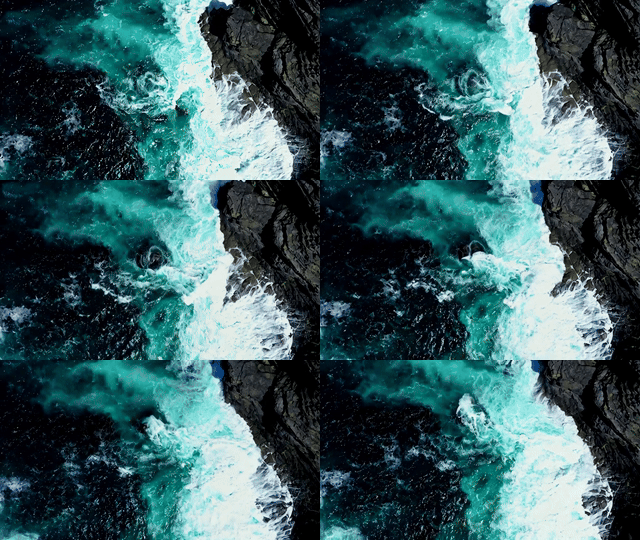
vid-gen
VIDER
This repository is dedicated to VIDER (Video Reconstruction for Web Affordability), a research initiative part of the CS 6303 Course exploring next-generation video compression and reconstruction technologies. With internet video consumption comprising over 67% of global web traffic, traditional video transmission methods struggle to meet demands in bandwidth-limited environments, particularly in developing regions.
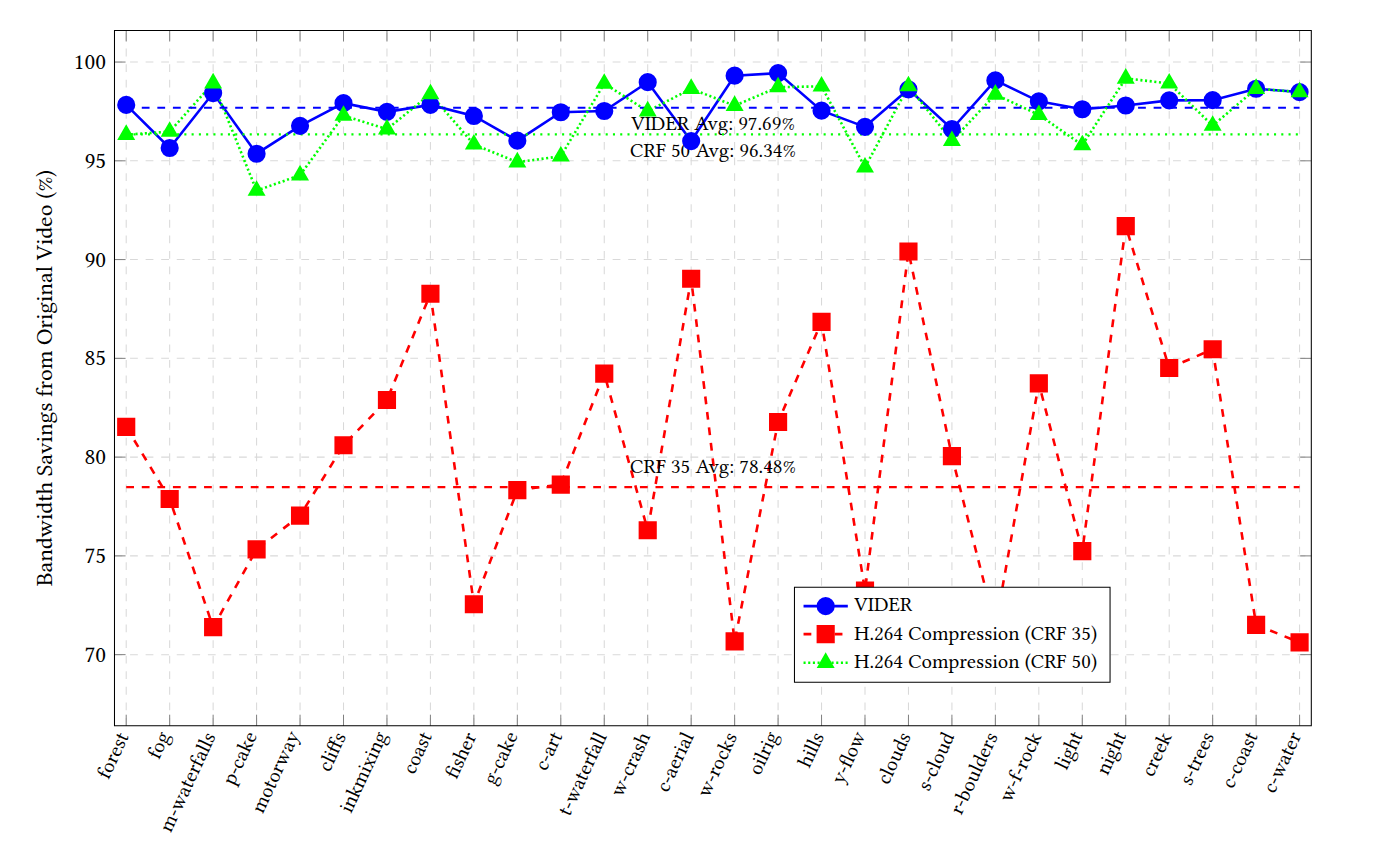
VIDER addresses this challenge by leveraging keyframe-based video reconstruction powered by generative AI. By transmitting only essential keyframes and metadata instead of full video streams, this method reconstructs high-quality videos locally on edge devices using Stable Diffusion-based interpolation models. This approach achieves remarkable bandwidth savings—up to 97.7%—while maintaining perceptual quality and temporal consistency. VIDER is positioned as a transformative solution for scalable and cost-efficient video delivery in modern content distribution networks.
Set up
For this particular project, we are using the diffusers-0-27-0 python environment. The requirements are all present in environment.yml.
You can set up the environment using
conda env create -f environment.yml
conda activate diffusers-0-27-0
Docker container
For this project, we use the image video-generation, the container video-generation-neat, with the local directory Video Generation mounted as a volume.
All files related to the project can be found at the path /root/VideoReconstruction in the container.
All checkpoints and weights for the SVD finetuned models are in the folder /root/VideoReconstruction/svd
The command to create the image and run the container is
docker build -t video_generation /path/to/Dockerfile ; # this will automaticaly set up the necessary envs

docker run -it
    --name video-generation-neat
    -v "/home/iml1/Desktop/Video Generation":/root # mounting the volume is optional
    --gpus all
    video_generation
Alternatively, you can pull the docker image from aishaa6/topics_in_llms:finalversion and run it. This has everything pre-set, and you do not need to do anything but run the corresponding files. The relevant files are in the folder /root/VideoReconstruction/root
docker pull aishaa6/topics_in_llms:finalversion;
docker run -it --name video-generation-neat \
    -v "/home/iml1/Desktop/Video Generation":/root/VideoReconstruction/root \ # mounting the volume is optional
    --gpus all \
    aishaa6/topics_in_llms:finalversion
Results: Graphs
Graph 1: Bandwidth Savings
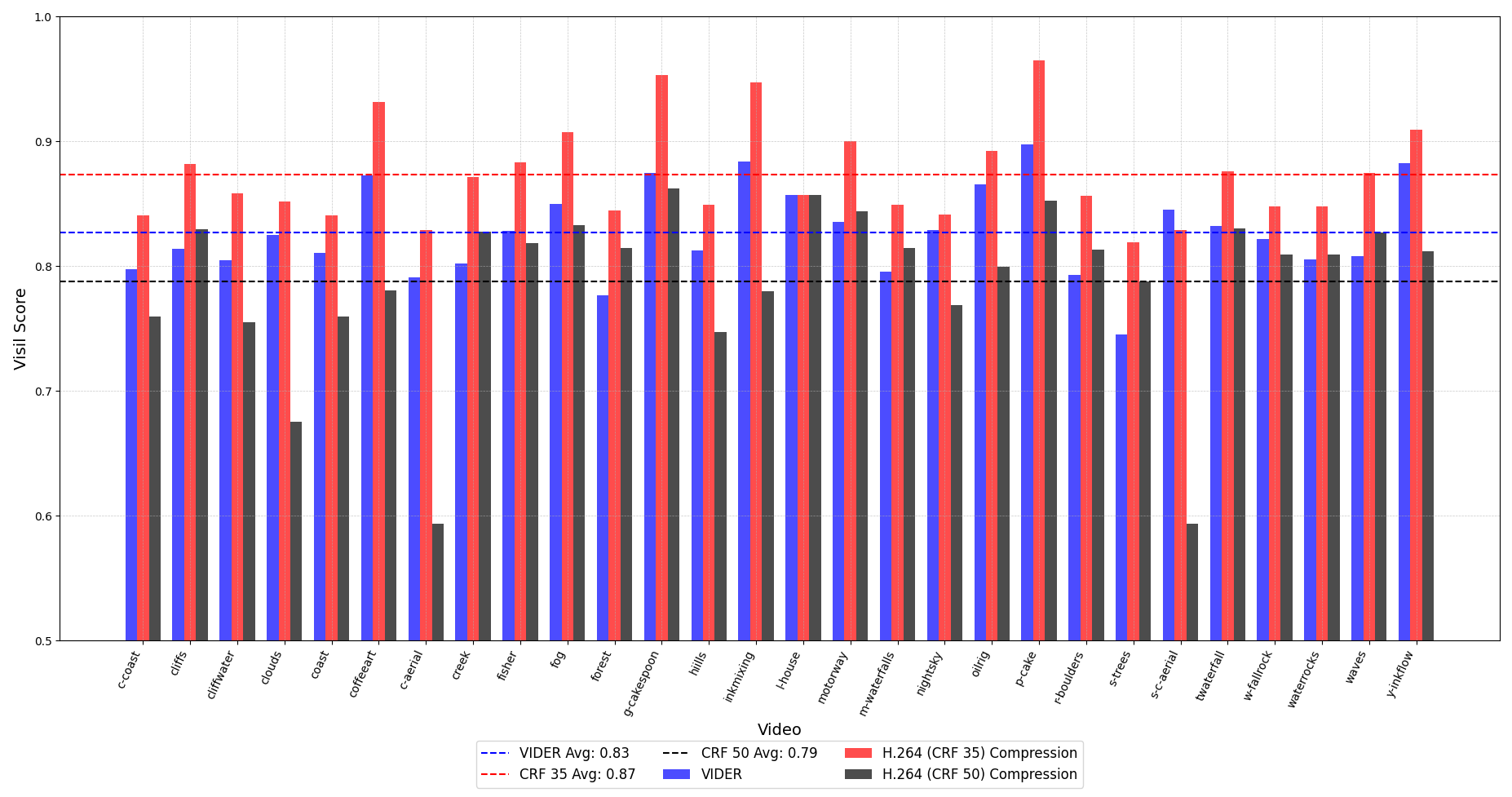
Graph 2: Video Quality Metrics
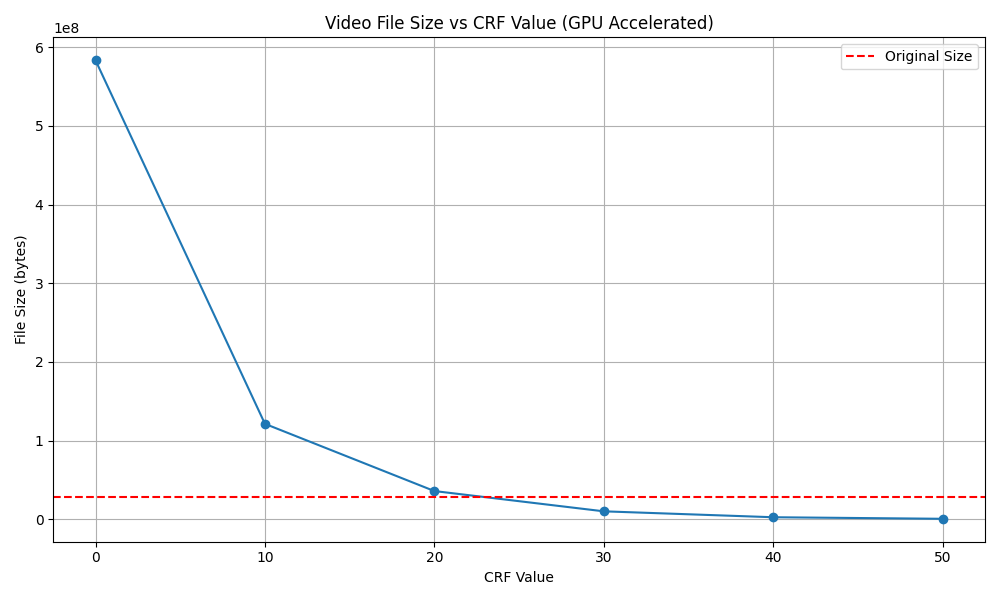
Graph 3: File Size vs CRF for H.264
Results: Outputs
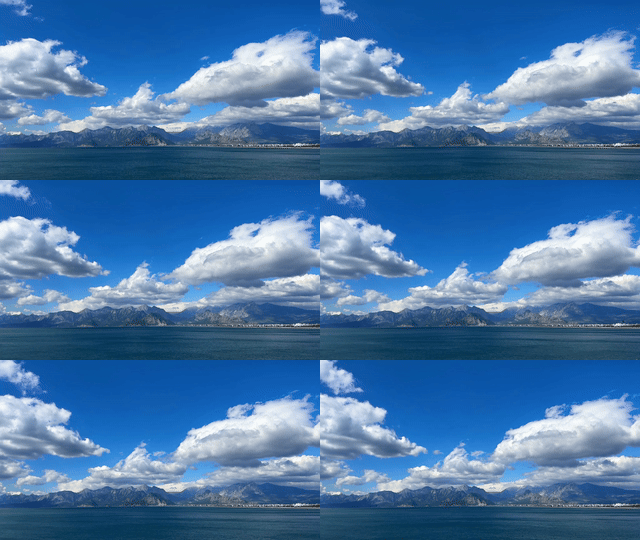
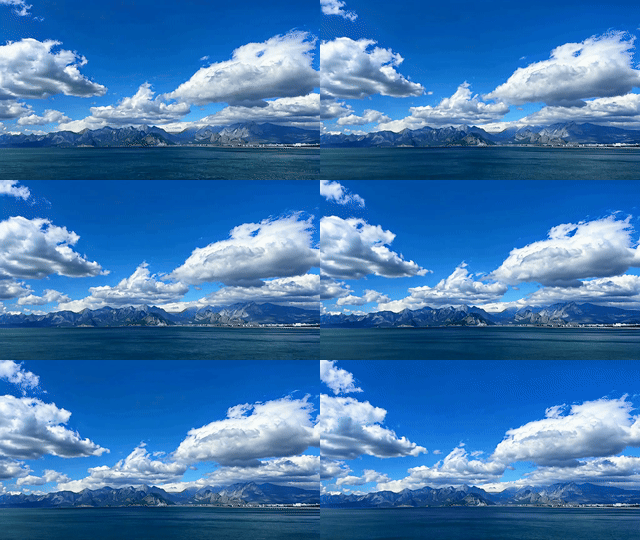
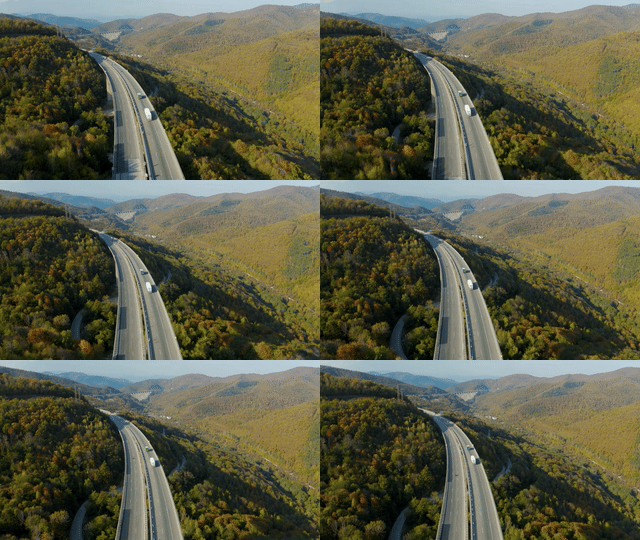
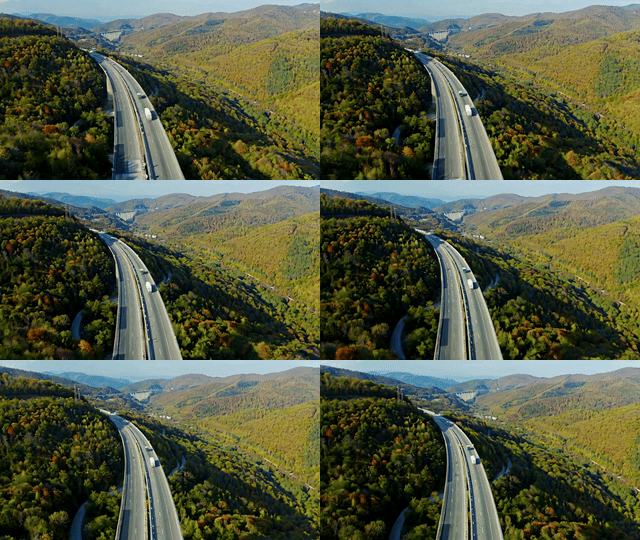
The examples folder contains:
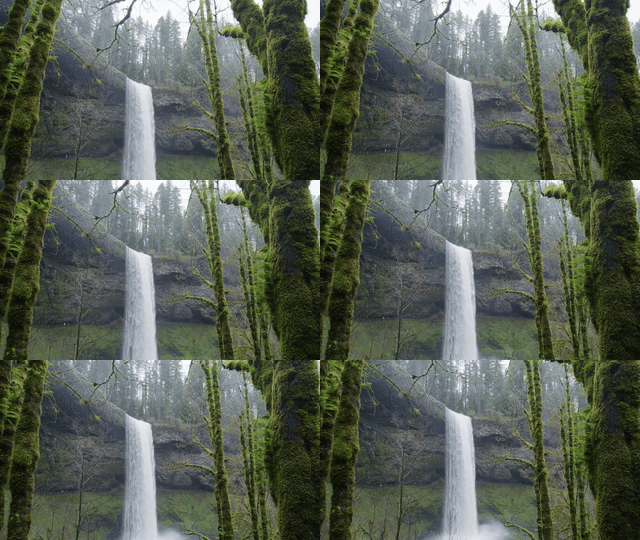
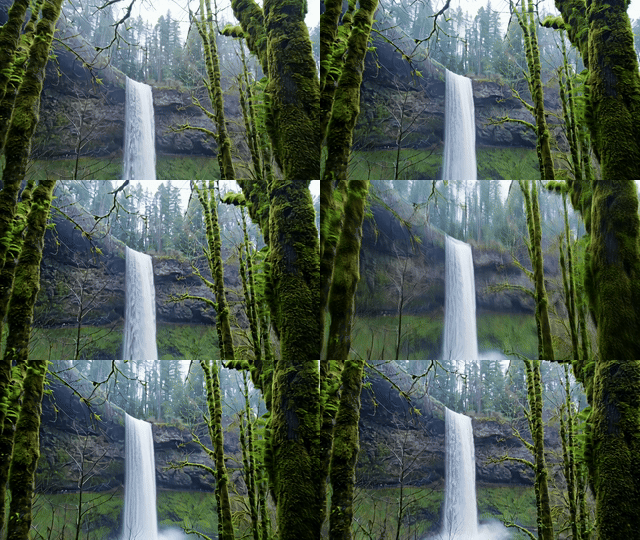
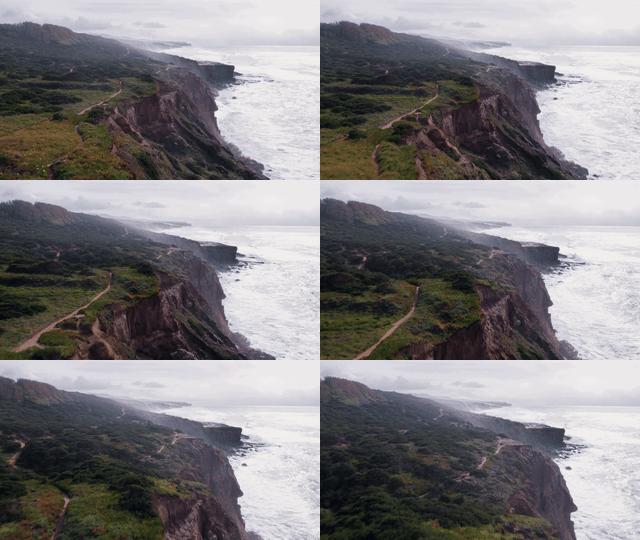
- Original Videos: Unprocessed videos used as the base for generation.
- Generated Videos: Outputs from our video generation model.
Original Video
Generated GIF
Original Video
Generated GIF
Original Video
Generated GIF
Original Video
Generated GIF

Original Video
Generated GIF
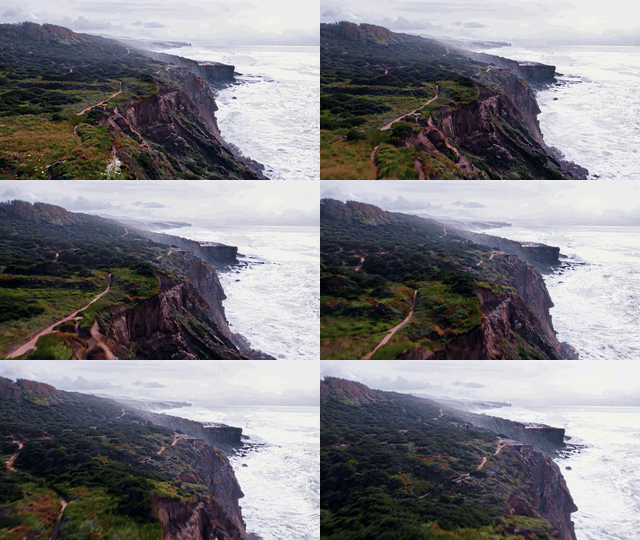
Original Video
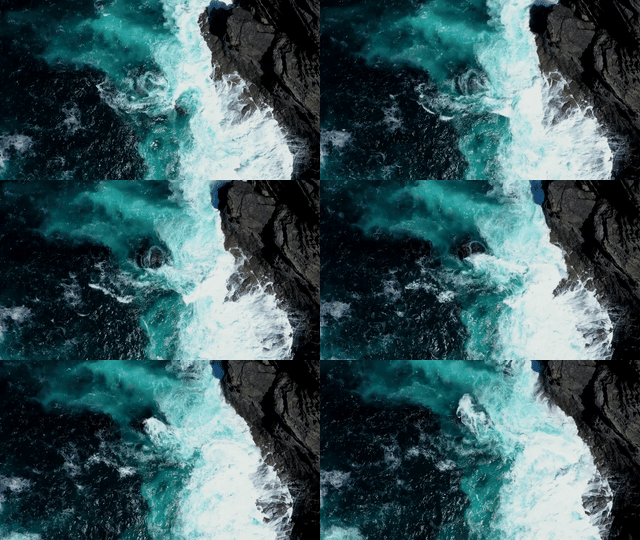
Generated GIF